crewline
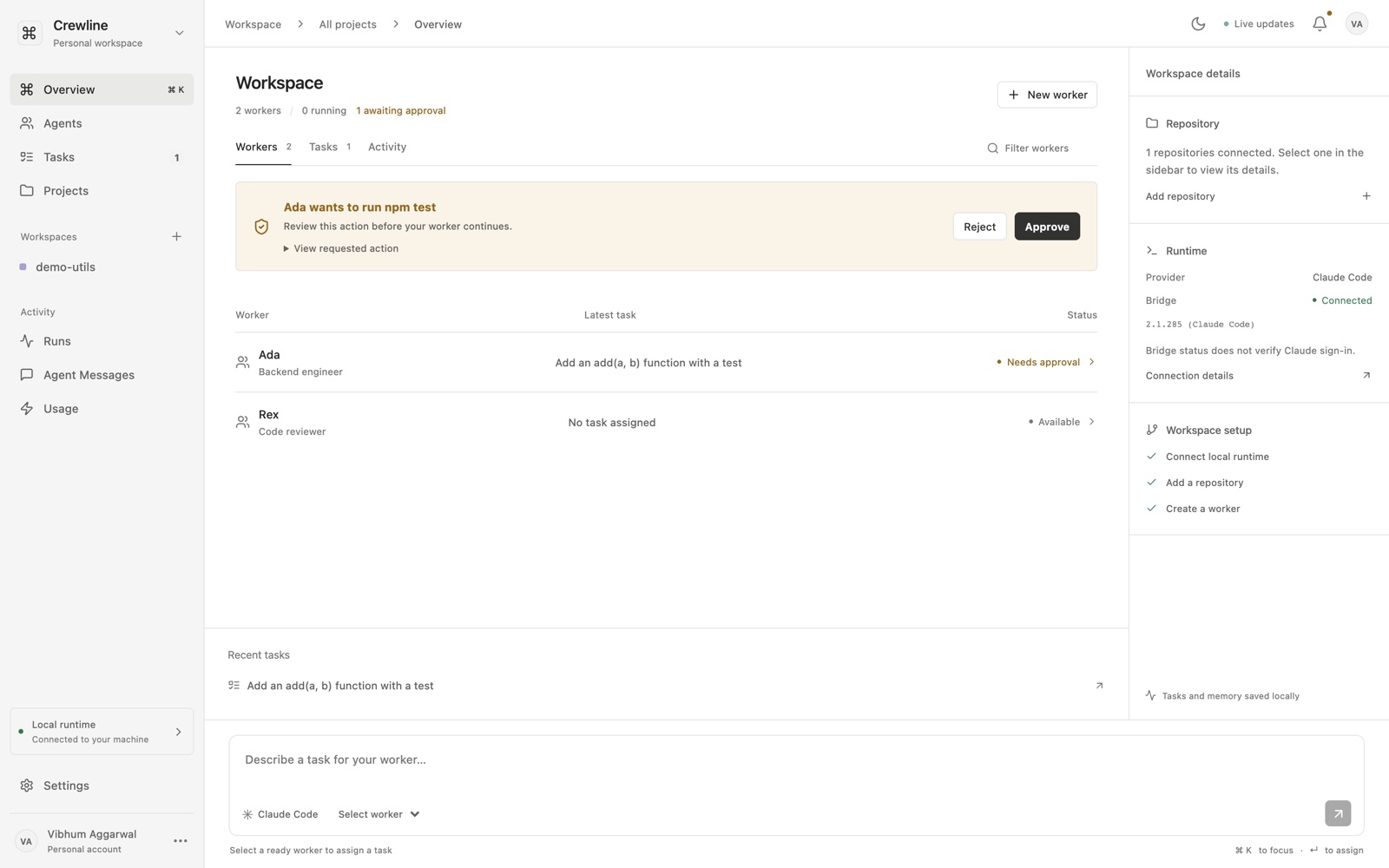
crewline is a command center for persistent Claude Code workers. each worker has a role, a set of permissions you choose, its own git worktree, and memory that carries across sessions. you assign tasks from one box, approve the risky steps — running tests, committing — from cards that appear inline, and workers can hand follow-up work to each other.
it runs entirely on your laptop. there is no hosted version and no account: the coordinator, the database and your code all stay local, which is why this page is a download rather than a demo.
what you need
- node 22.13+
- git
- npm
- claude code, signed in
getting it running
-
clone it and install:
git clone https://github.com/vibhumaggarwal/crewline.git cd crewline npm install -
start the coordinator and the UI:
npm run dev -
in a second terminal, from the same folder, connect the bridge to your own Claude Code:
claude auth login
npm run login
npm run connect
the bridge never reads, copies or stores your credentials — Claude Code keeps using its own sign-in.
-
open
http://127.0.0.1:4317, add a local git repo, and create your first worker.
how it works in practice
give a worker a task and it runs in its own worktree, so two workers never fight over the same files. when it wants to do something consequential it stops and asks: an approval card shows the exact command, and it expires after five minutes if you ignore it. tests pass, it commits, and it can queue a review task for another worker.
permissions are real, not decorative. a reviewer given only read access genuinely cannot pull a branch to review it — you have to decide to grant that.
code on github ↗ see it running ↗